Change
Muted · Original playback speeds
Full revised video
Watch full revised video
For producers and post teams
AI generators make new footage. Rove changes the footage you already have. Swap a product, replace a logo, remove an object, and keep the rest of the shot.
Invite-only alpha · macOS · Apple silicon
Demos
Change
Muted · Original playback speeds
Rove for Mac
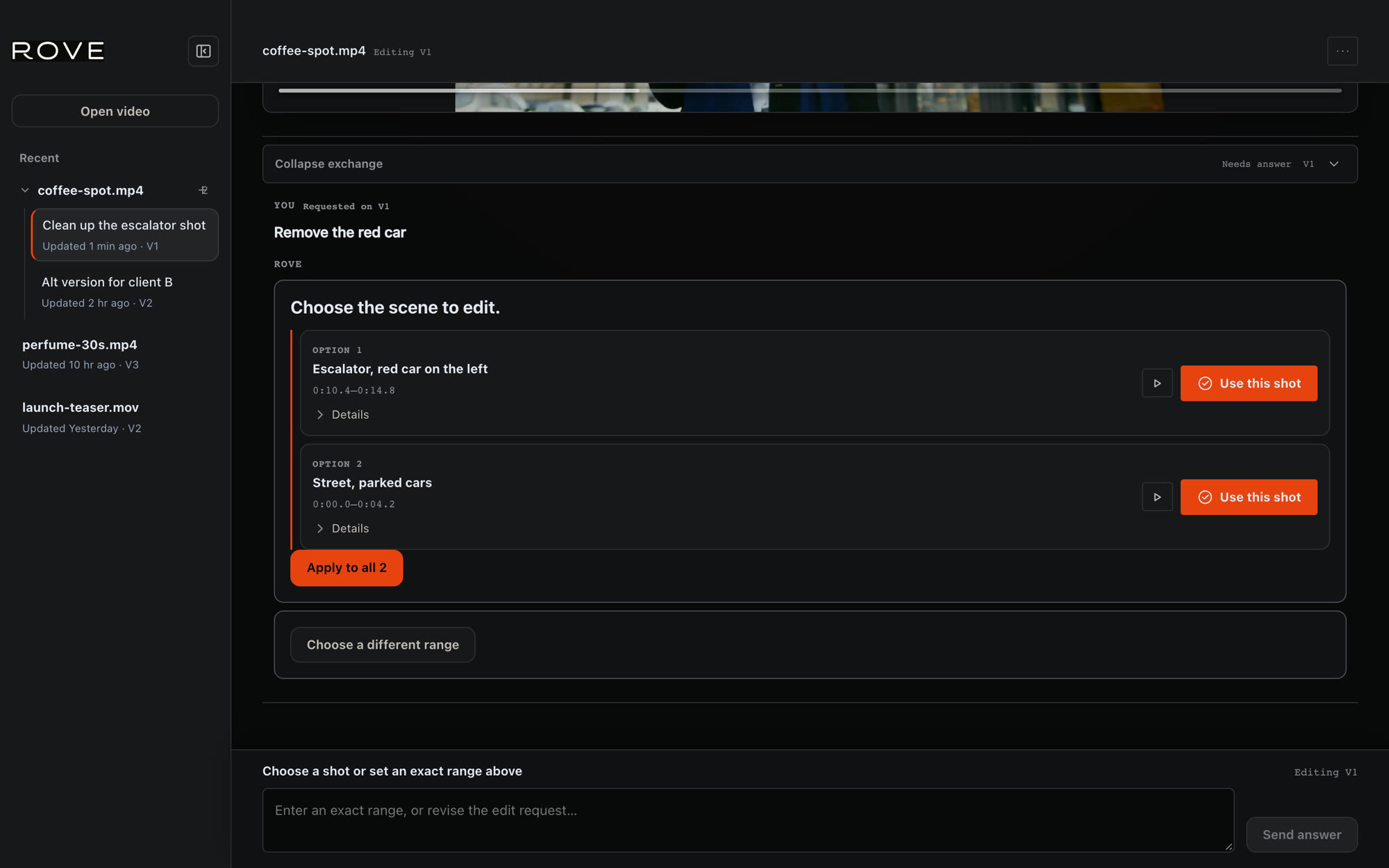
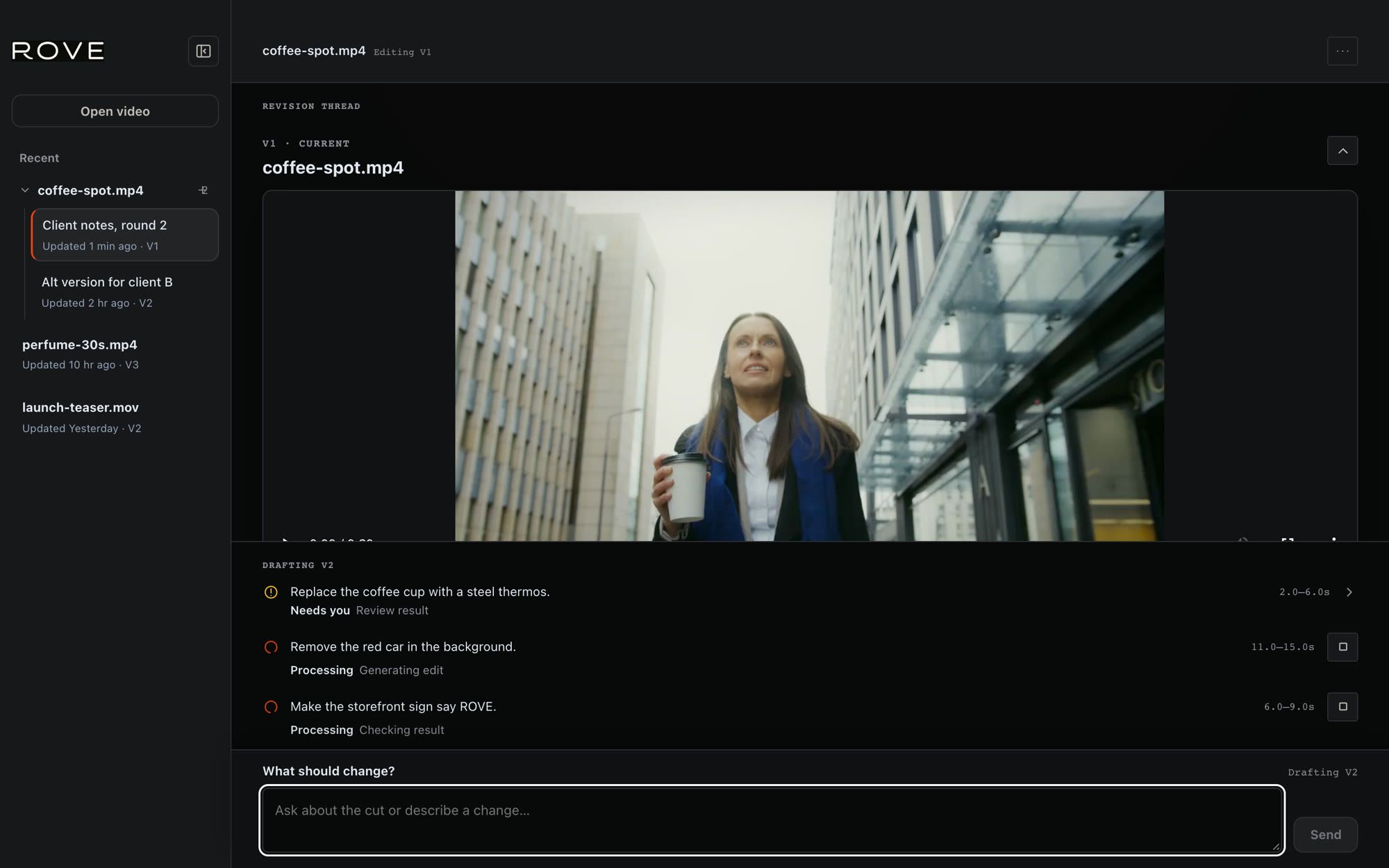
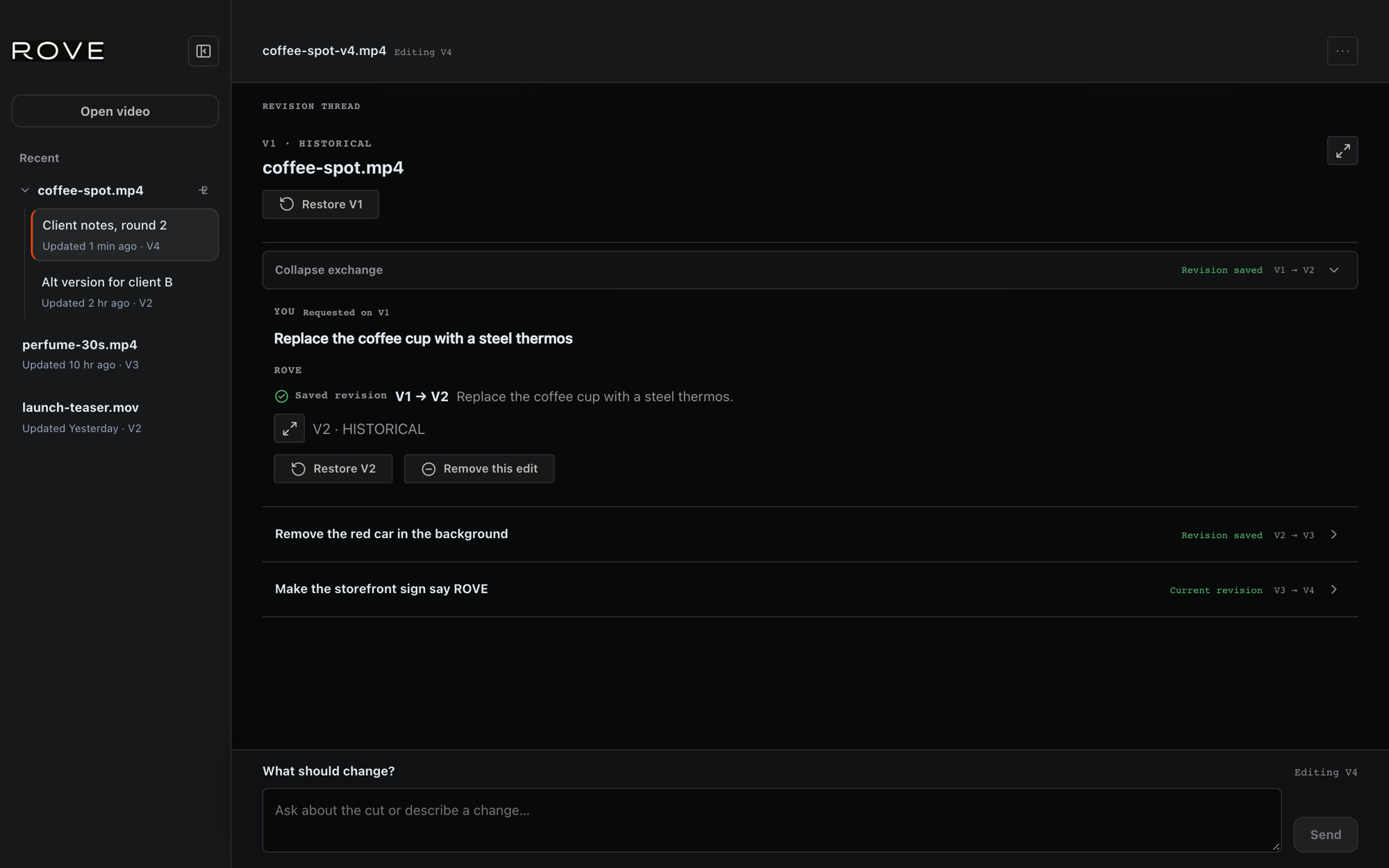
Under the hood
AI models redraw more than you ask for. Rove checks every frame against your original, keeps the change you asked for, and puts your original footage back everywhere else. No roto, no keyframes.
RedEverything the model changed: the cup, but also her face, her hair and the glass. Rove keeps only the cup.
In our tests, raw Flux 3 altered 1 in 11 pixels it wasn't asked to touch. Rove: under 1 in 2,000. See the measurements
Built for client notes
Fits your workflow
MP4 or MOV in, MP4 out, ready to bring back to your editor. Timeline integrations aren’t part of this preview.
No. Generators like Kling, Seedance and Veo make new footage. Rove edits footage that already exists, including footage you made with them.
Rove uses video models. What we build is everything around them: finding the edit, checking every frame, and keeping every version.
Rove for macOS
Give Rove a shot and a note.
Invite-only alpha · macOS · Apple silicon
Sign in with your invited email. Your repair allowance appears in the app.